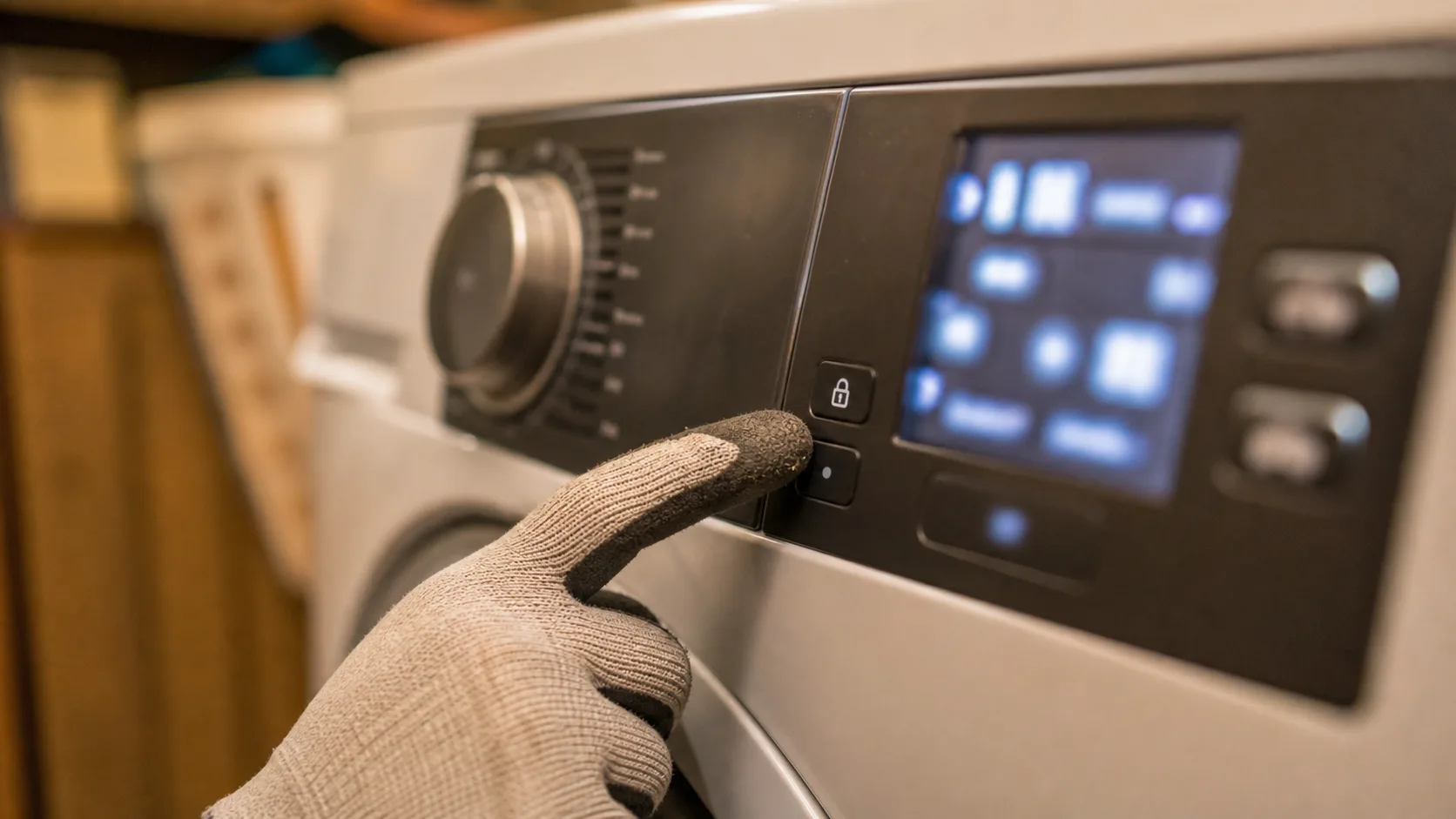
How to turn off child lock
Most LG washers have a dedicated Child Lock button, usually marked with a lock symbol, held for about three seconds until the display shows the lock has cleared. Models without a labeled button typically use a combination instead, commonly two buttons near a lock icon held together, or Temp plus another control such as Spin Speed or Rinse, held for three to five seconds. LG's own support documentation confirms the exact combination varies by control panel generation (LG Child Lock feature guide; enabling or disabling CL on front-load models), so check your specific model's manual if the first combination you try doesn't work.
Why child lock gets activated by accident
It's usually triggered by an accidental button press, often from kids near the machine, a stray touch while loading laundry, or the lock carrying over from the end of a previous cycle. None of this points to anything wrong with the washer itself.
What to do if CL won't turn off
If the standard button press or combination doesn't clear it after a few tries, a full power cycle sometimes resets a control panel that's stuck registering the lock incorrectly. Unplug for about 60 seconds, plug back in, and try the unlock combination again. If it still won't clear, that's unusual enough to be worth a call to LG support directly rather than a repair visit. This is a control-panel software state, not a mechanical fault.