LG washer IE code: what it means and how to fix a fill error
By Daniel Brooks, Home maintenance writer and appliance troubleshooting specialist based in Charlotte, NC. Reviewed [date — human adds].
Quick answer
The IE code on an LG washer means the machine isn't filling with water fast enough within the time it expects, usually because a water supply valve isn't fully open, an inlet hose is kinked, or the inlet filter screens are clogged. Here's how to check each of those in order. If IE isn't your code, the complete LG washer code list covers the rest of them.
⚠
Safety first
Shut off the water supply valves before disconnecting any inlet hose. Unplug the washer before accessing inlet connections at the back of the machine.
What IE means
Code
What it means
Common causes
What to check
IE
Water inlet or fill error, the washer isn't filling within its expected time window
Supply valve not fully open, a kinked or crimped inlet hose, clogged inlet filter screens at the hose-to-washer connection, unusually low household water pressure, or the water supply shut off entirely
Confirm both hot and cold supply valves are fully open, check hoses for kinks, remove and clean the inlet filter screens, check water pressure elsewhere in the house
LG's own documentation frames IE around a simple test: the tub needs to reach an adequate water level within a set period, and if it doesn't, the code triggers regardless of whether the cause is a closed valve, a frozen hose, or something more minor like a clogged filter screen.
Work through it in order
1
Check the supply valves
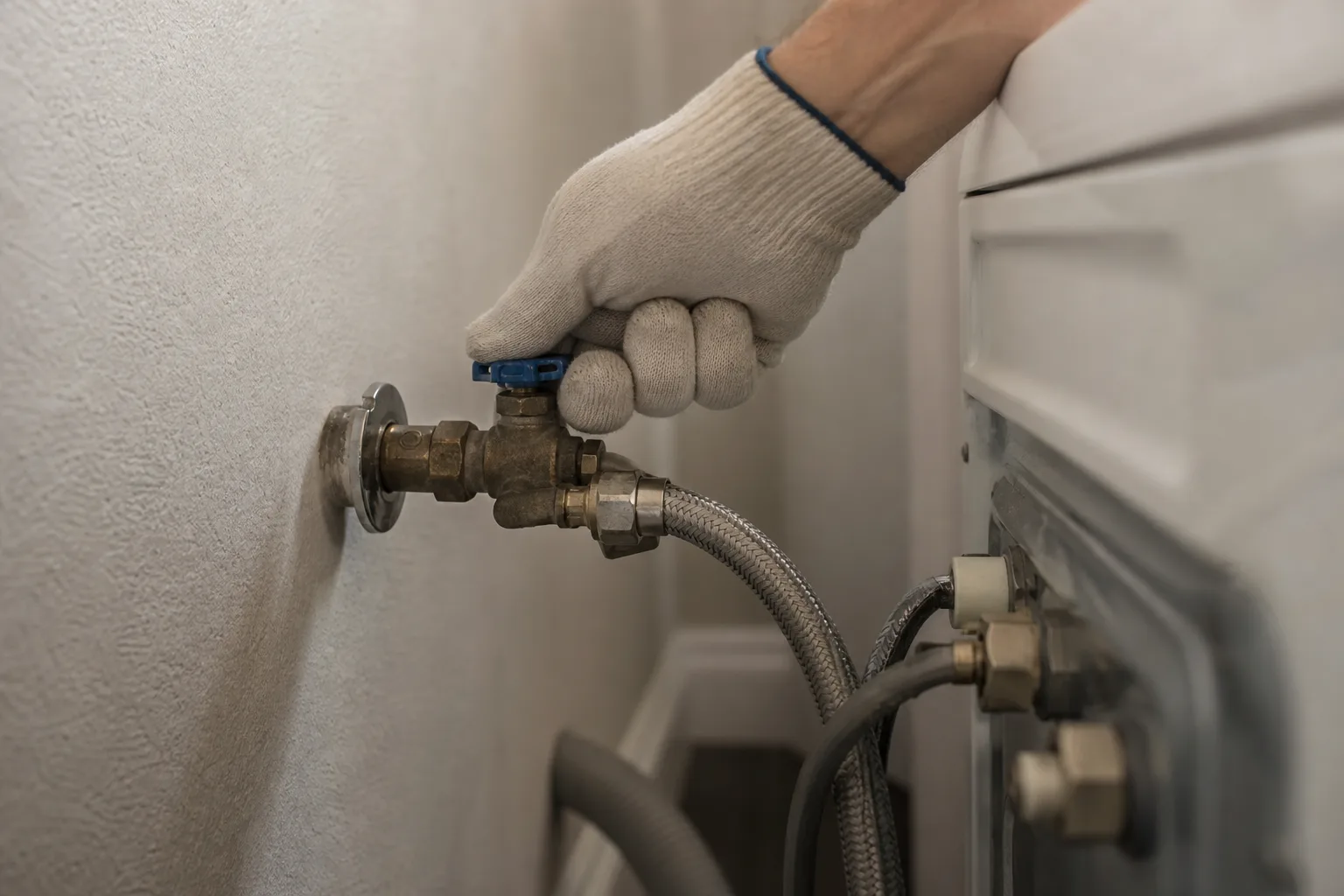
Confirm both hot and cold water supply valves behind the washer are turned fully on. A valve that's only partially open is a common overlooked cause, especially after a move or a plumbing repair nearby.
2
Check the inlet hoses
Look at both inlet hoses for kinks or crimps, especially if the washer was recently moved or reinstalled. A hose pinched against a wall or cabinet restricts flow even with the valve fully open.
3
Clean the inlet filter screens
Turn off the water supply, disconnect the hoses at the washer end, and check the small mesh inlet filter screens where the hose connects. These catch sediment from the household plumbing and are a very common clog point, especially in older homes.
4
Rule out low household water pressure
If the valves, hoses, and filters all check out, test water pressure elsewhere in the house, a slow-filling sink is a useful gauge. This helps confirm whether it's a house-wide pressure issue rather than something specific to the washer. This is a fill-stage problem, worth distinguishing from a drain problem instead of a fill problem, which shows up at the opposite end of the cycle.
When it's not the water supply at all
If pressure and hoses check out fine but IE persists, the inlet valve solenoid inside the washer itself may have failed. That's a part-replacement job rather than something you can unclog or adjust.
When to call a technician
Call a technician if IE persists with confirmed full water pressure and clean filters and hoses, or if the inlet valve makes an audible click or hum but no water actually flows.
Photos for this guide
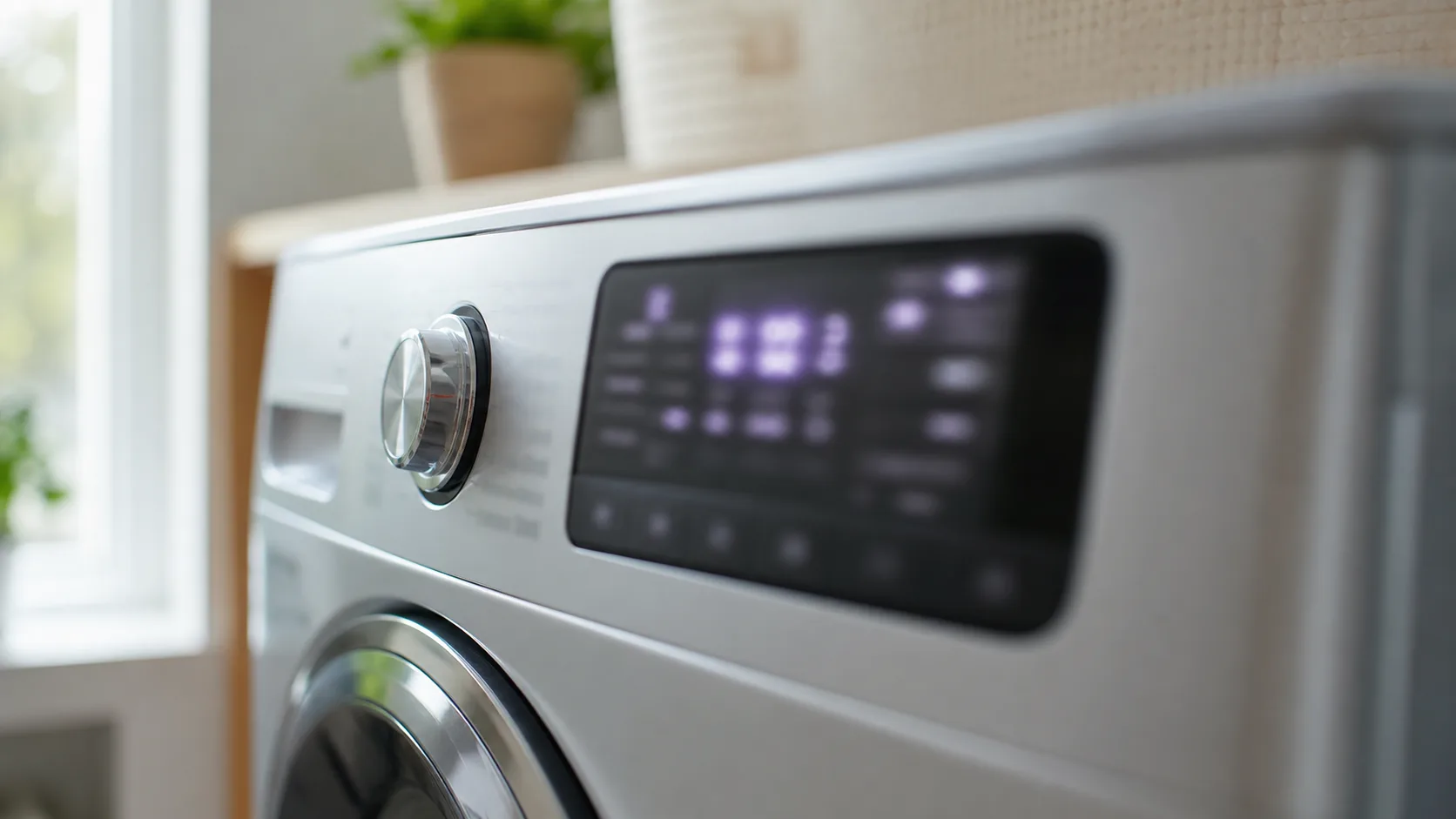
Real photo of an LG washer display showing IE.Real photo of the water supply valves behind the washer, or an inlet hose being checked for kinks.
FAQ
What does IE mean on an LG washer?
IE stands for a water inlet or fill error. The washer expects a certain amount of water to enter within a set time and hasn't received it, usually because of a partially closed valve, a kinked hose, or a clogged inlet filter rather than a major mechanical fault.
Why does my LG washer show IE even though the water is on?
"The water is on" and "the washer is receiving enough water fast enough" aren't always the same thing. A valve that's only partially open, a clogged inlet filter screen, or genuinely low household water pressure can all restrict flow enough to trigger IE even with the supply technically turned on.
How do I clean the inlet filter screens on an LG washer?
Turn off both water supply valves, disconnect the inlet hoses from the back of the washer, and look inside the connection point for a small mesh screen. Gently remove any visible sediment with a soft brush or by rinsing under running water, then reconnect the hoses and turn the supply back on.
Can low water pressure in my house cause an LG washer IE error?
Yes. If several plumbing fixtures in the house run slowly, or your area has generally low water pressure, the washer may not fill fast enough to meet its internal time limit even with no blockage in the hoses or filters. Testing a nearby faucet's flow helps confirm whether it's a house-wide issue.