Work through it in order
Check settings, and rule out Power Freeze or Power Cool
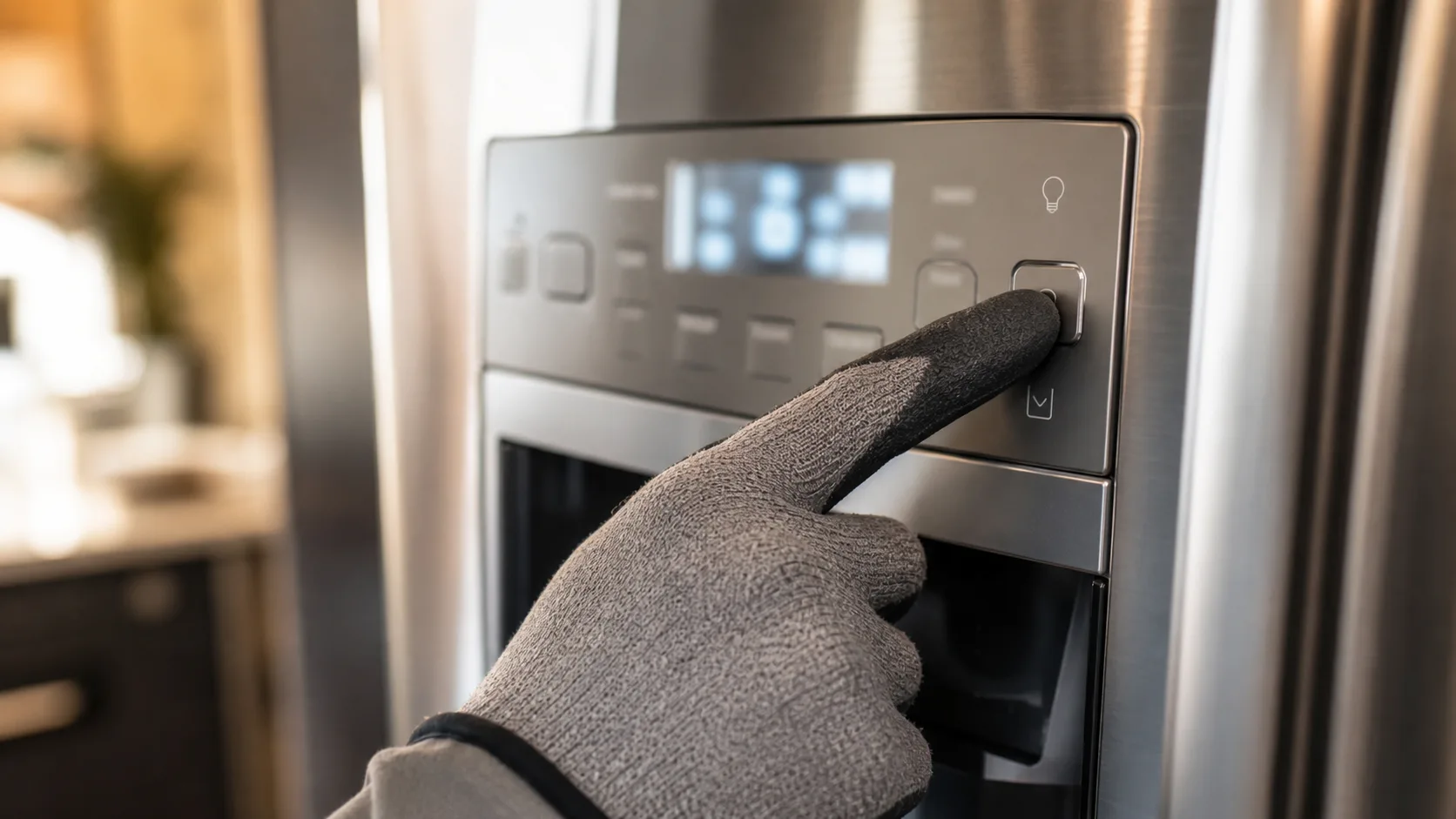
Confirm the temperature settings first. Then check whether Power Freeze or Power Cool is engaged: these modes run the compressor and fans harder for a set period to chill the unit faster, and they're meant to shut off automatically once that period ends. One stuck on isn't usually the root cause of a cooling failure by itself, but it's worth disabling manually as part of the basic check. Also glance at the display for an error code, since some codes point to a defrost fault rather than a simple setting issue.
Check vents in both compartments
Open both compartments and look at each vent opening, the small slotted panels where cold air enters. A stray container, a bag of vegetables, or anything else pushed up against one is enough to choke off airflow to that section and, since Samsung units share cooling between compartments, to weaken cooling elsewhere too. Clear the path and give the unit a few hours before checking again.
Check the condenser coils
Condenser coils sit at the back or underneath the unit, and a season or two of dust and pet hair is enough to insulate them and cut down how much heat they can shed, which shows up as sluggish cooling. Run a coil brush through them or vacuum with a narrow attachment. A twice-a-year cleaning is the interval most commonly mentioned for average households, more if pets are shedding indoors, but treat that as a starting point rather than a fixed rule. Samsung's model-specific care guide is the better source if you want an exact number.
Check for ice buildup behind the freezer's rear panel
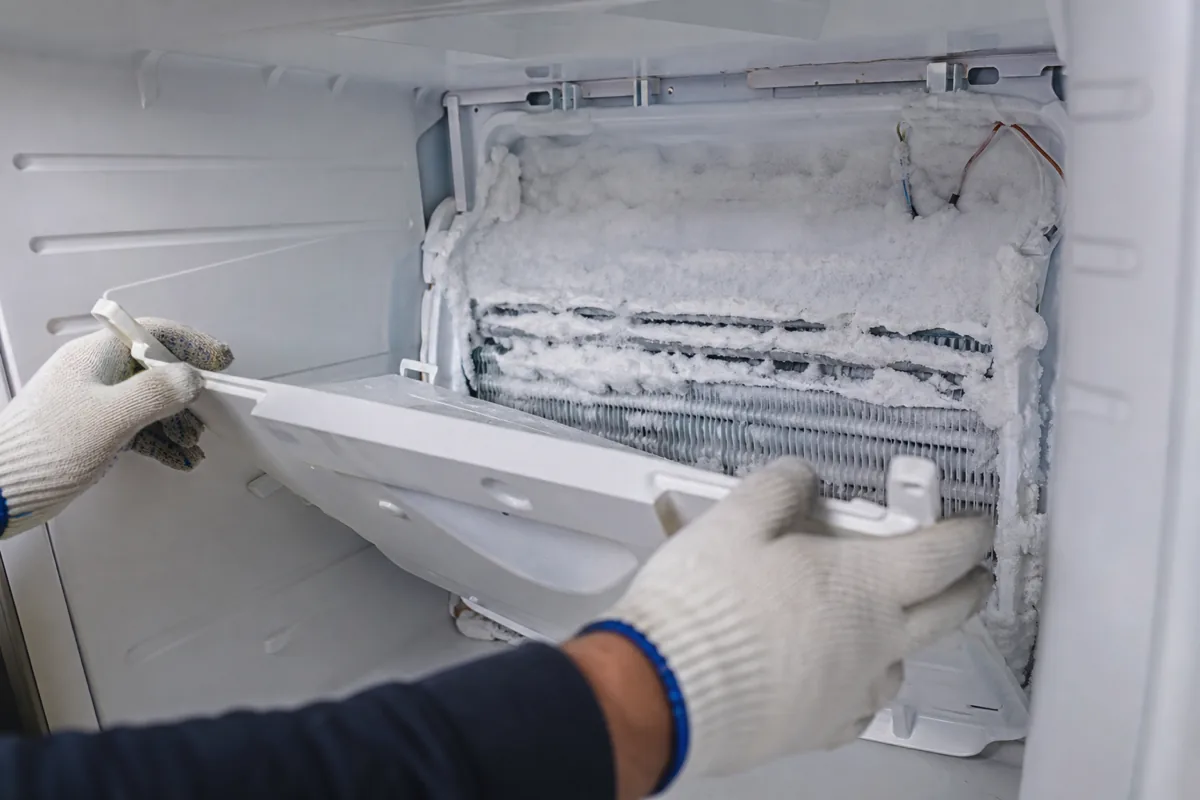
This one is worth flagging clearly, since it's a well-documented failure pattern on some Samsung French-door and side-by-side models and doesn't look like a typical cooling problem at first. Frost or solid ice building up on the evaporator coil, mounted behind the interior rear panel of the freezer, is usually tied to a failing defrost heater, a defrost thermostat, or a door seal letting in humid air that then freezes inside (RepairClinic, "Samsung Refrigerator Has Frost Or Ice Buildup"). Owners typically notice it as the freezer running fine while the fridge section slowly warms, sometimes along with a change in the fan noise.
Checking it means removing the freezer's rear interior panel with the unit unplugged and the freezer emptied out, usually a few screws. A significant layer of frost or solid ice on the coil behind it points to a defrost system fault rather than a setting or airflow issue. This is more involved than the checks above, but it's still a reasonable DIY inspection for someone comfortable working inside an empty freezer.
If everything above checks out
If settings, vents, coils, and the evaporator all check out and the unit is still warm, the likely culprit is the compressor itself or a refrigerant leak, neither of which is a home fix. Refrigerant work needs an EPA-certified technician, so this is where you call one.
Why ice behind the freezer panel causes fridge-section cooling loss
The mechanism is worth understanding, not just the symptom. On the models where this pattern shows up, the fridge compartment pulls cold air from the freezer's evaporator coil rather than having its own separate cooling source. A coil that's iced over can't transfer cold air efficiently, and since the fridge relies on air drawn from that same coil, the loss shows up first as a warm fridge, not a warm freezer, even though the actual fault sits inside the freezer section.